An outcome is one thing you want to know after every call — did they book, what were they calling about, do we need to ring them back. The assistant fills it in when the call ends, and it becomes a field you can filter and chart. Outcomes are how a thousand calls turn into a number instead of a thousand transcripts.

Creating one

The description does the work. Be explicit about the edge case:
For a fixed set of options, list the ones you want to count. Keep them few and clearly different — “resolved”, “needs callback”, “wrong number” rather than nine shades of partly.

Switching one on and off

Assigning an outcome to an assistant is the on switch. An outcome with no assistants is never recorded.
Each outcome you assign adds a little work after every one of that assistant’s calls, and it’s billed. Record what you’ll act on, not everything you can think of.

Seeing the results

Outcomes show on each call, and they’re filterable in the calls list. The better view is Analytics: chart calls grouped by an outcome and you get the breakdown directly.
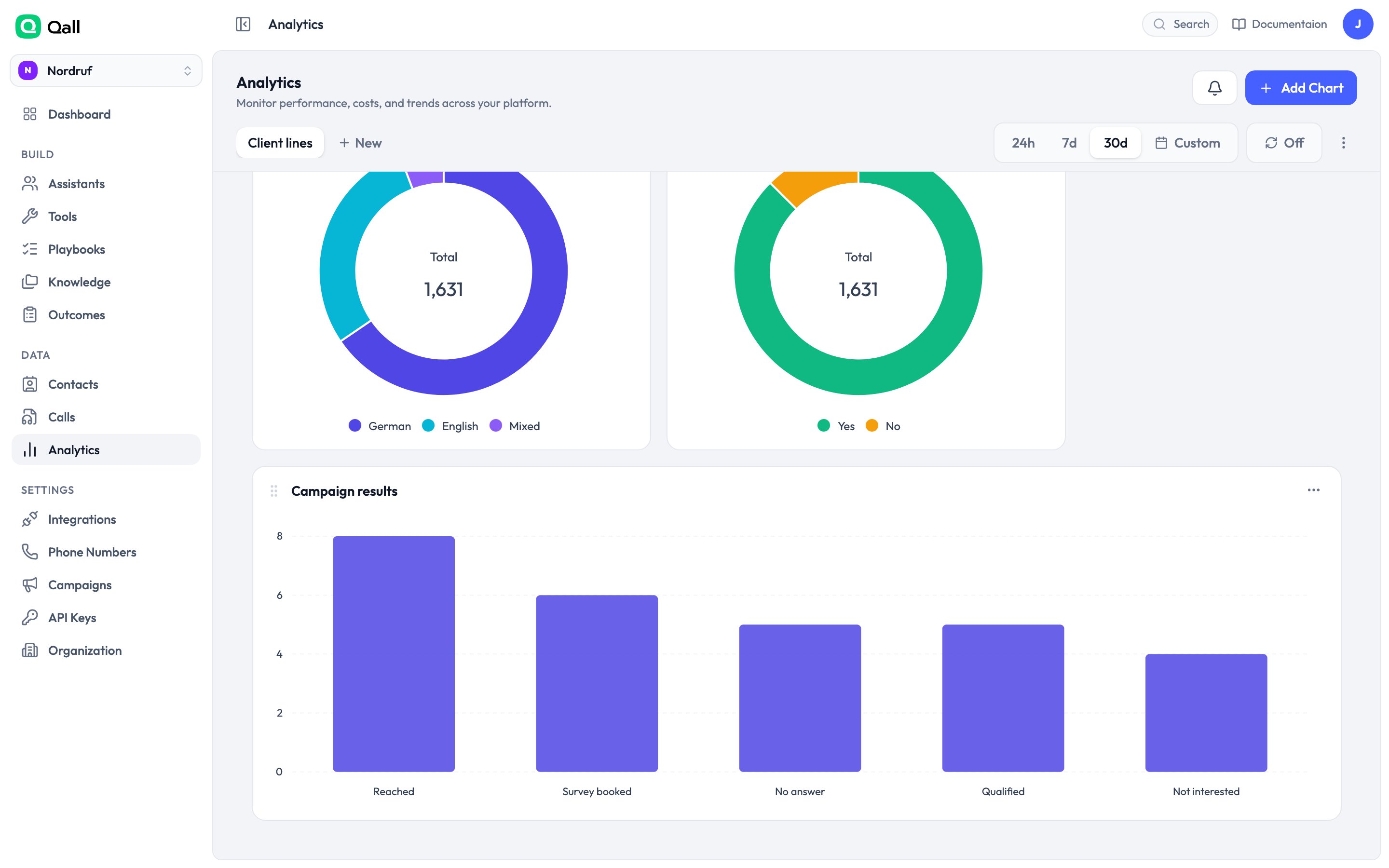
Outcomes charted

Outcomes charted on a dashboard.

They’re also in the call.completed webhook, so you can push them to your own systems as each call ends.

Renaming

You can rename an outcome whenever you like, and the name updates everywhere it’s displayed. What doesn’t change is the key your existing data is stored under — which is what keeps old calls readable and your saved filters working.