

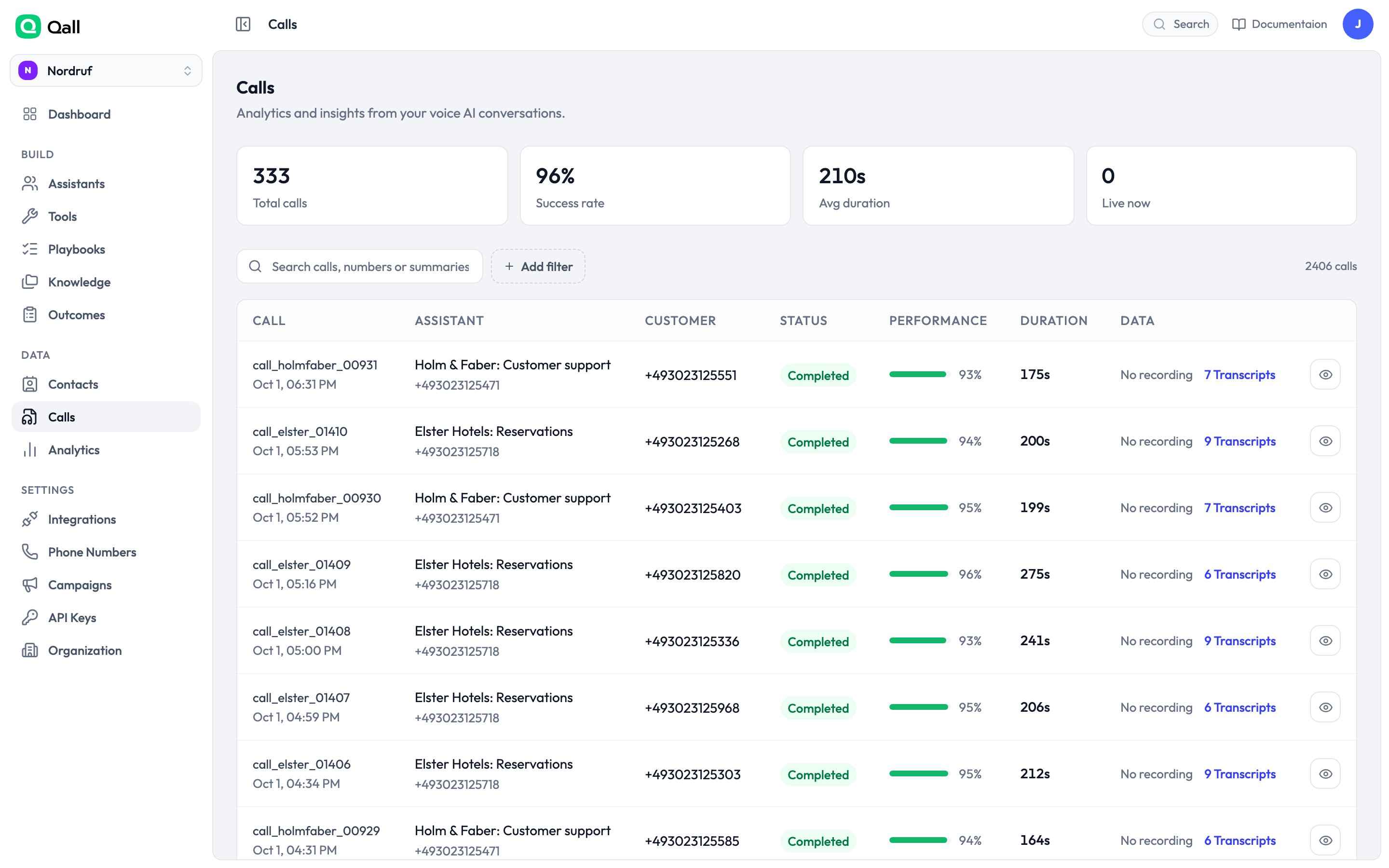
The calls list.
What a call holds
A call opens on four tabs:
Across the top: status, duration, total cost, average response time, and
accuracy.
Average response is how long the assistant took to start replying, averaged over
the call — the number to watch if callers say it feels slow. Accuracy is how
confident the transcription was; a low figure usually means a bad line or an
accent the model is struggling with, and is often fixed with
keyterms.
Tool calls appear inline in the transcript, with what the assistant sent and what
came back — which is usually the fastest way to work out why a call went the way
it did.
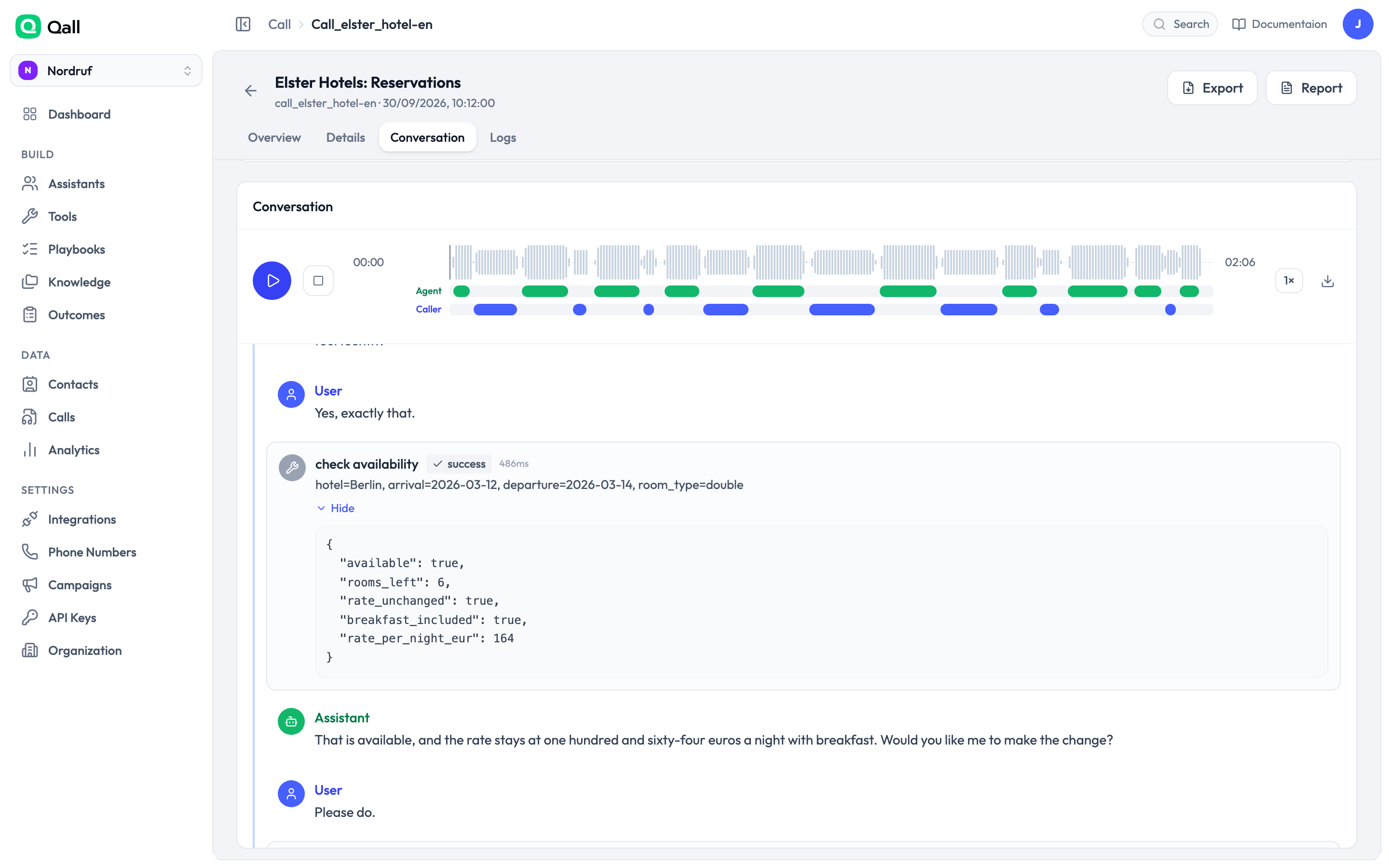
A tool call in the transcript: arguments, result, and how long it took.
Finding calls
Filter by assistant, by direction, by how it ended, by whether it was recorded, by date, or by the outcomes that were recorded. Search matches the phone numbers, the call id and the summary — so searching refund finds the call about a refund. Everything you can filter, you can export as CSV or JSON.How a call ended
When things appear
The transcript and summary are there as the call ends. The recording takes a little longer, because the audio file is finalised afterwards. If you’re acting on calls from your own code, that distinction matters — wait forrecording.ready rather than reading a
recording URL from call.completed.