

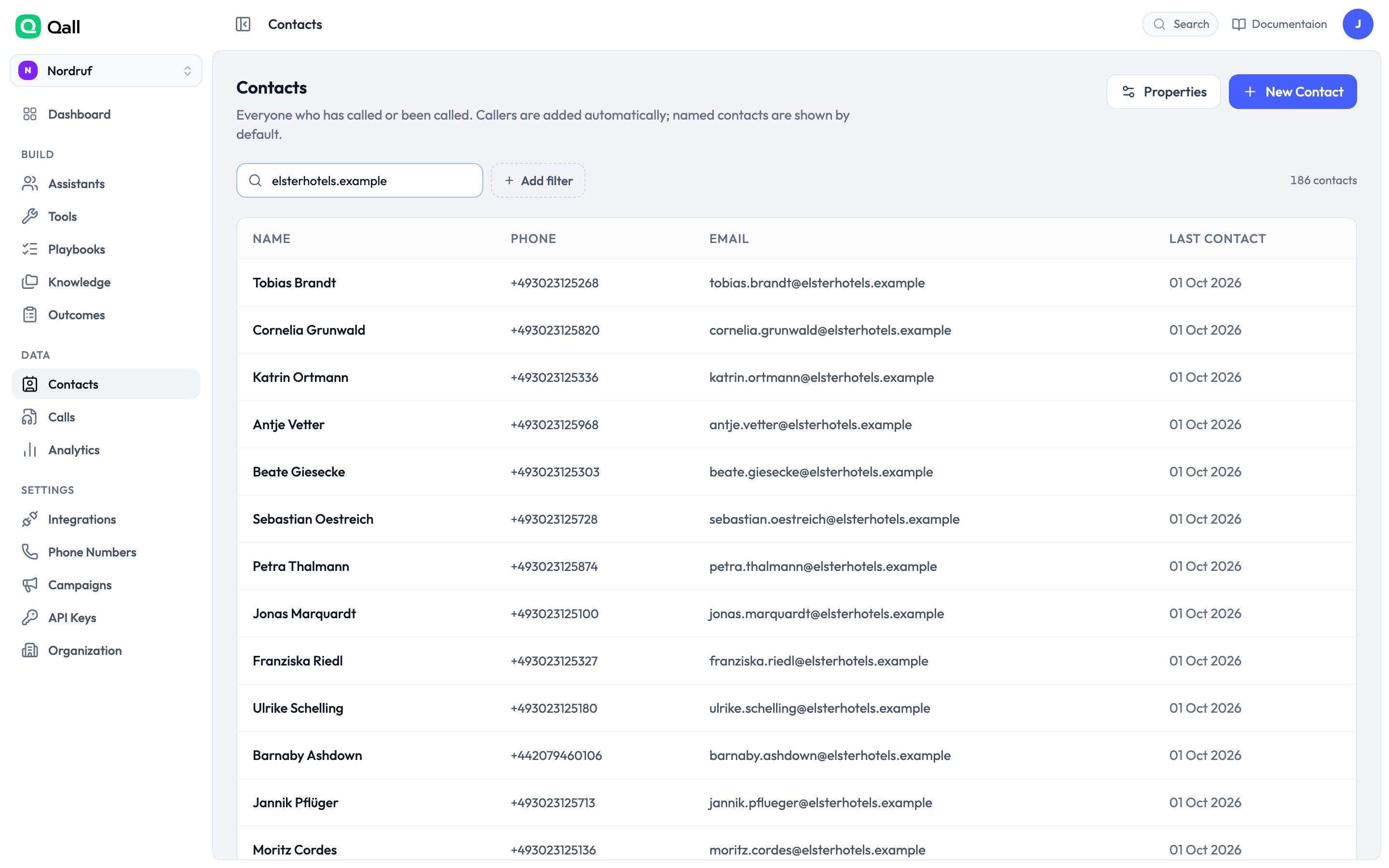
The contacts list.
Matching
People are matched on phone number and email address, each unique within your organisation. Numbers are tidied up before matching, so030 111 111 typed into a
spreadsheet finds the contact created from an inbound call.
A caller nobody has named yet is hidden from the list by default — otherwise the
page fills with bare phone numbers. Turn that filter off to see them.
Properties
Every contact has a name, phone number, email and timezone. Add your own properties for anything else you want to keep — customer tier, account number, renewal date. Each has a type, so a date property can’t end up holding “next Tuesday”.
You can rename a property whenever you like. You can’t change its type once it
holds data.
Using contact details on a call
Anything on a contact is available to the assistant as a variable:Contact details are treated as untrusted text, because somebody typed them in.
They’re cleaned before being used, so a contact record can’t carry instructions
into your assistant’s prompt.